
Save, load, and share: layout management in NESKTOP
NESKTOP lets you save your desktop arrangement, load it back anytime, apply ready-made presets, and share your layout with anyone through an expiring link. Layout sharing is rolling out as a beta feature, so some options may be limited until general availability.
Save your layout — never lose your setup
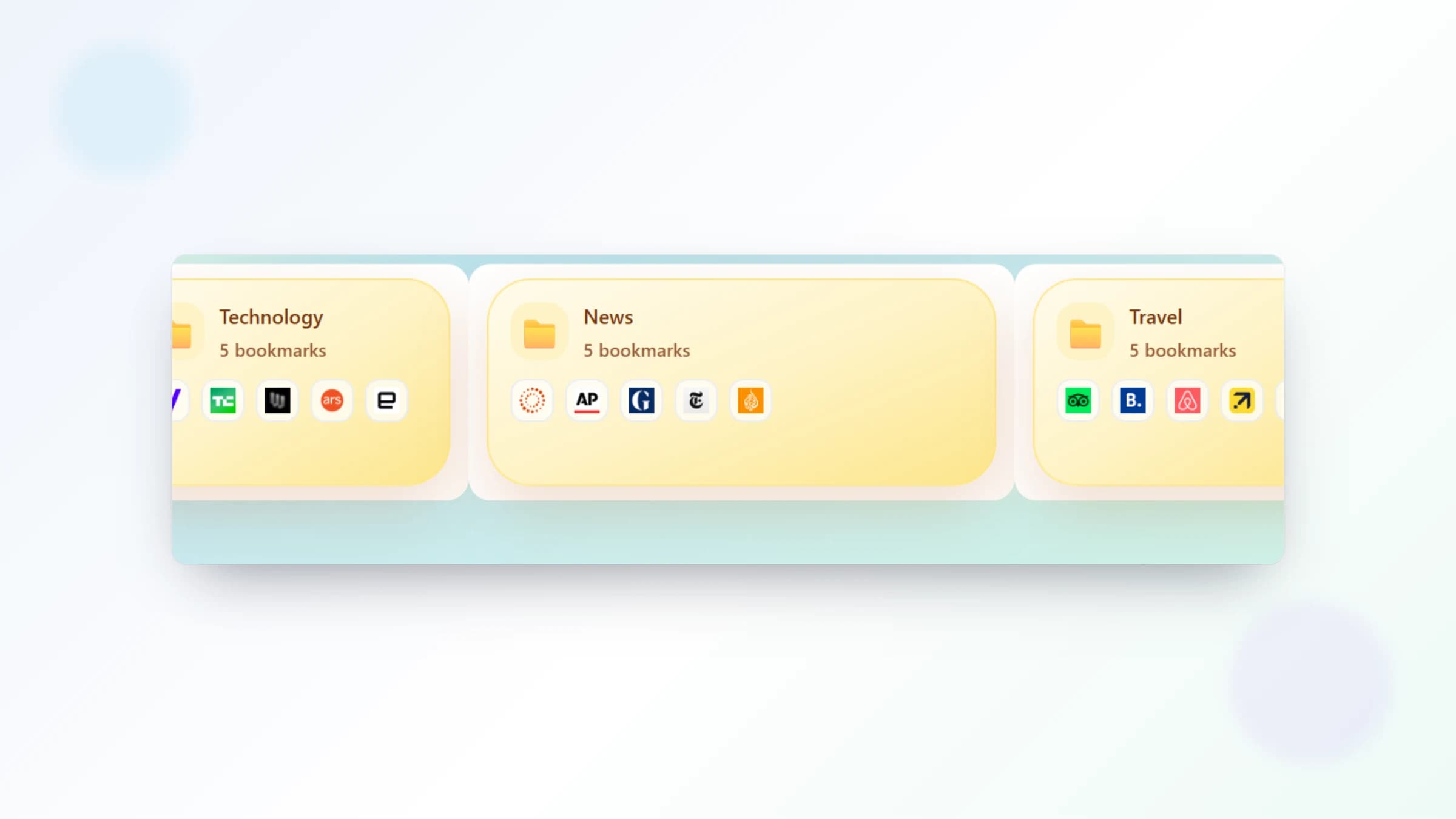
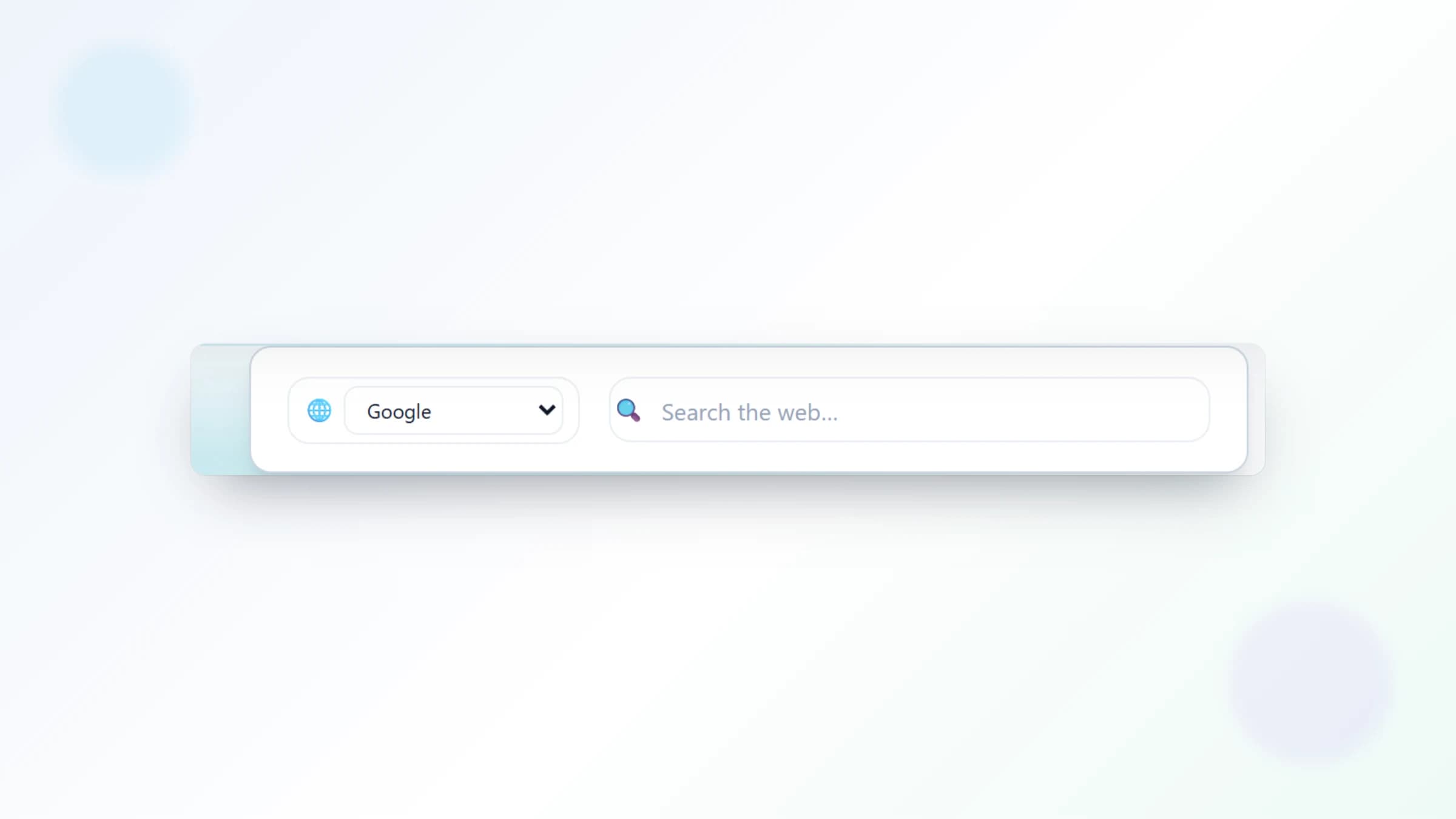
After you have arranged your bookmarks, folders, search widgets, and notes exactly how you like them, save the layout with a name. You can save multiple layouts — one for each project, client, or season — and switch between them whenever you want. If you experiment with a new arrangement and do not like it, simply reload your saved layout. Your best setups are always one click away.
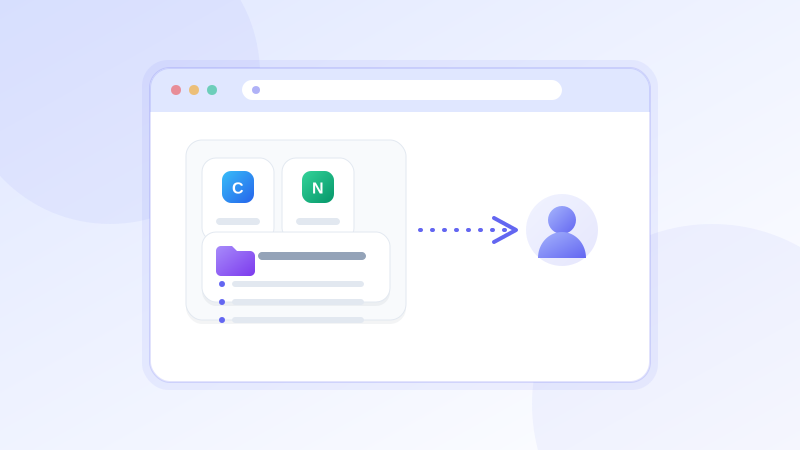
Save your best layouts and share them
Design a desktop, save it, and send it to a friend — they can import it in seconds.
Try it freeApply presets — instant desktops for common workflows
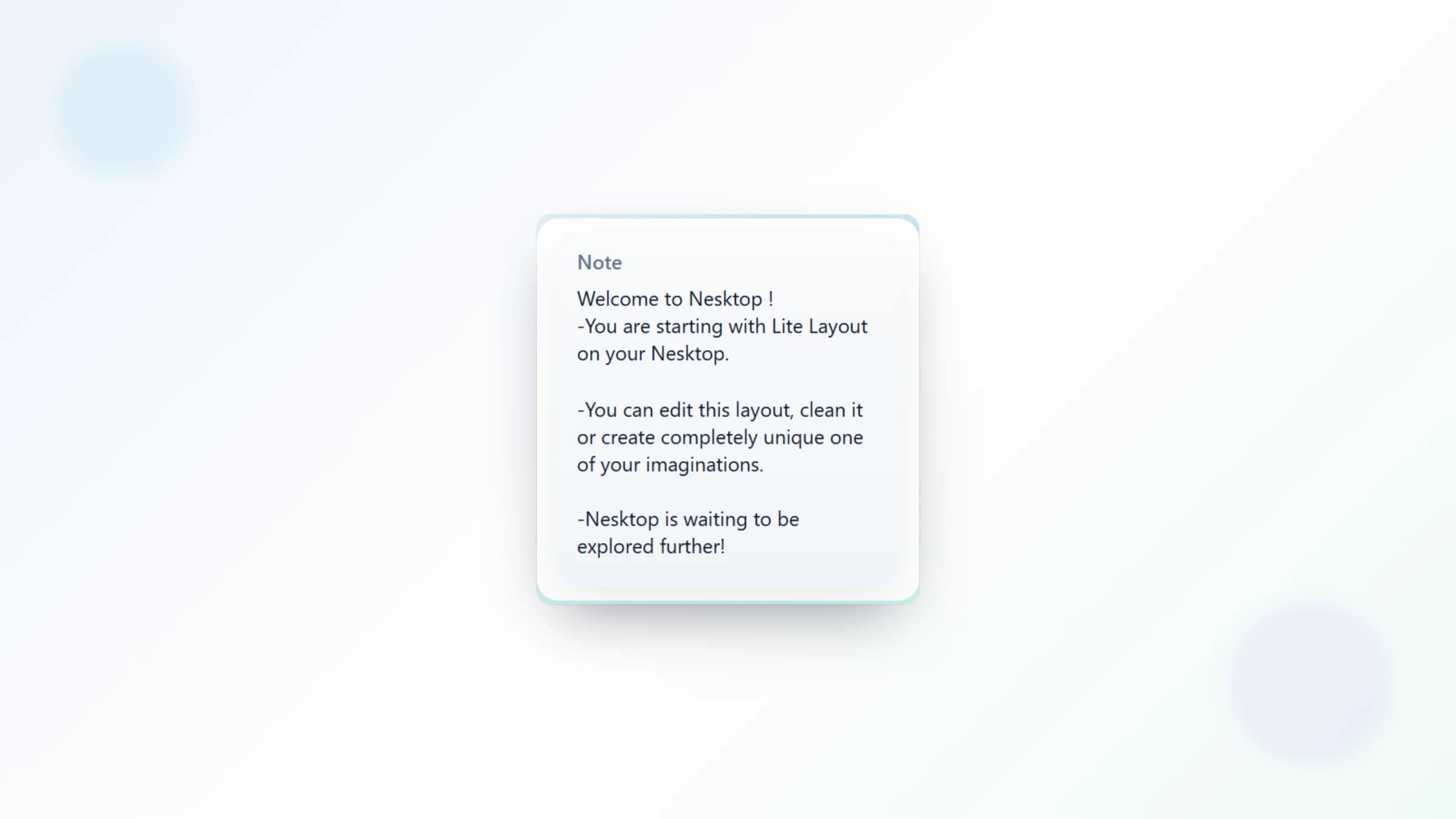
NESKTOP includes built-in presets for common workflows: Get started - Lite, Get started - Pro, Study & Research, and Project & Freelance. Apply any preset to populate your canvas instantly with a designed layout. Presets are starting points — customize them freely after applying. You can also start from a completely blank canvas if you prefer to build from scratch.
Comparison table
| Feature | Nesktop | Other approach |
|---|---|---|
| Save layouts | Multiple named layouts, switch anytime | Browser bookmarks: export only, no layout concept |
| Presets | 4 built-in presets for common workflows | No equivalent in traditional tools |
| Sharing | Expiring share links — send to anyone | No equivalent in bookmark managers |
FAQ
How many layouts can I save?
The Free plan includes a number of saved layouts suitable for personal use. Pro and Lifetime plans support more saved layouts for users who need extensive layout management.
Do shared layouts include my personal links?
Shared layout snapshots can include the bookmark links and titles and widget URLs that are part of the layout — so links you placed on the canvas are part of what the recipient imports. Note and task contents and saved credentials are not included. Review the links in your layout before sharing it.
Related articles
Save your best layouts and share them
Design a desktop, save it, and send it to a friend — they can import it in seconds.
Continue