
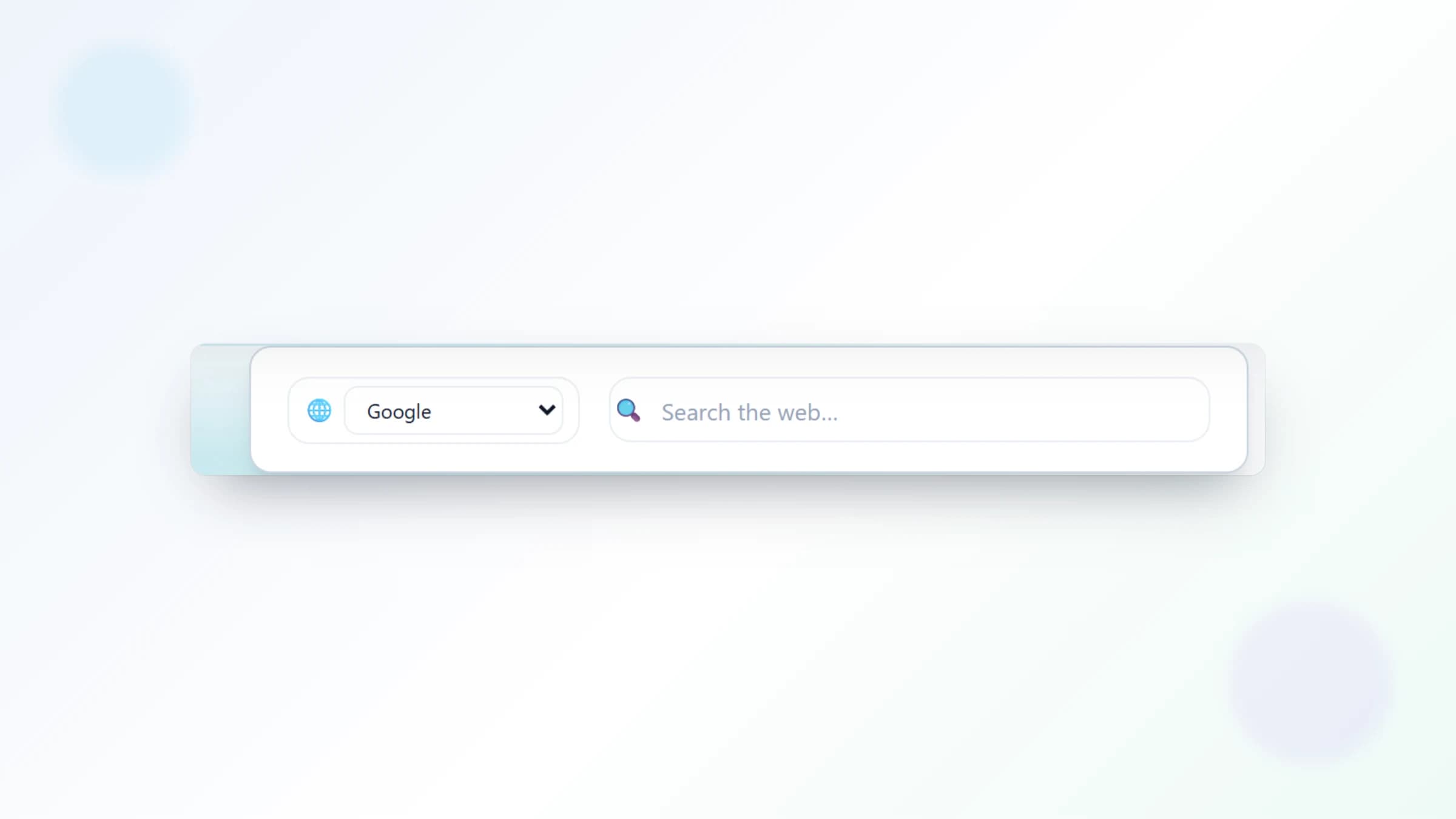
The NESKTOP search widget: 7 search engines built right into your desktop
Search Google, Bing, Yahoo, DuckDuckGo, Brave, Startpage, or Ecosia directly from your NESKTOP desktop — results open in a new browser tab.
Launch a search from your desktop
The NESKTOP search widget sits right on your desktop canvas. Type your query and press Enter — your chosen search engine opens with the results in a new browser tab. There is no need to type the search engine URL or switch away from your workspace first; the widget launches the search for you. It is a fast route from question to answer when you are already working on your desktop.
Add search to your desktop
Pick your favorite search engine, place the widget on your canvas, and launch searches straight from your desktop.
Try it freeSeven search engines to choose from
NESKTOP supports seven search providers: Google, Bing, Yahoo, DuckDuckGo, Brave Search, Startpage, and Ecosia. Choose the provider for the search widget in its settings. If your workflow needs different providers, you can switch the selected provider before searching.
Why privacy-focused engines are included
NESKTOP includes providers commonly chosen for privacy-focused searching — DuckDuckGo, Brave Search, and Startpage — alongside Google, Bing, Yahoo, and Ecosia. Privacy practices change over time, so review each provider's current policy. Your desktop should work the way you want, including which search engine handles your queries.
Comparison table
| Feature | Nesktop | Other approach |
|---|---|---|
| The selected search widget opens Google search results for your query in a new tab | Open Google separately or rely on the browser address bar. | |
| DuckDuckGo | Privacy-focused search available directly from the widget | Open DuckDuckGo separately or change the browser default. |
| Bing | Microsoft search results open from the widget in a new tab | Open Bing separately or use the browser address bar. |
| Startpage | Privacy-focused results available as a widget provider | Open Startpage separately for each search. |
FAQ
Can I change the search engine after adding the widget?
Yes. Click the widget settings, pick a different search engine from the dropdown, and the widget updates immediately.
Can I switch between search providers?
Yes. Open the search widget settings, choose a different provider, and use the selected provider for your next search.
Related articles
Add search to your desktop
Pick your favorite search engine, place the widget on your canvas, and launch searches straight from your desktop.
Continue