
Best for
Anyone with a crowded bookmark bar or repetitive browser routine
Daily browser start page
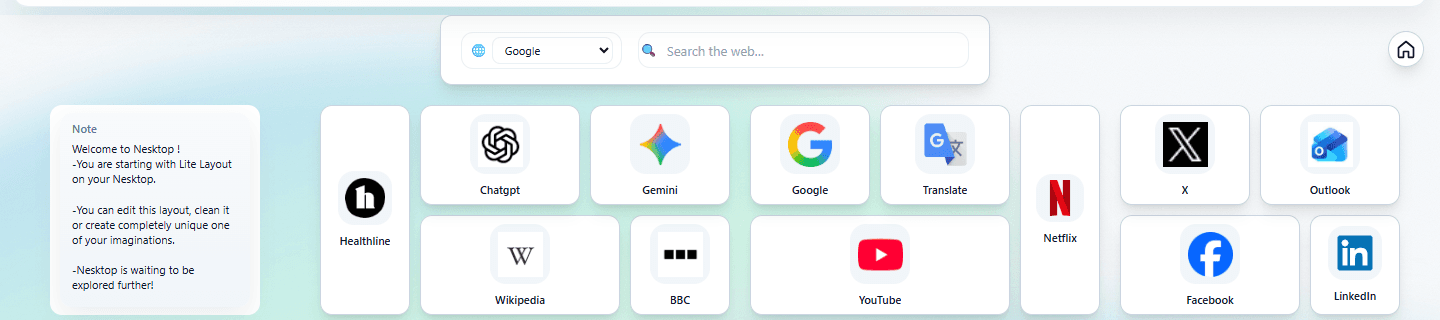
Put the links, searches, folders, and notes you open every day on one visual desktop.
- Open daily tools faster
- Keep active links visible
Start with a real preset, replace the sample links, and make the desktop fit your routine.
Use the NAPP Store to discover and evaluate useful web software, then add the right web apps, widgets, or reusable layouts to your canvas.
Browse indexed web apps with product details, verified source information, categories, ratings, comments, and moderated user reviews before opening or adding them.
Continue →Discover native and connector widgets for search, notes, folders, clocks, recommendations, calendars, tasks, boards, and other supported workflows.
Continue →Save your own canvases as layouts or apply starter presets. Keep separate pages for each workflow.
Continue →Keep daily browsing, study, projects, or client work apart instead of mixing every link on one surface.
Anyone with a crowded bookmark bar or repetitive browser routine
Put the links, searches, folders, and notes you open every day on one visual desktop.
Students, researchers, teachers, and self-directed learners
Keep subjects, sources, notes, search, and course tools together without mixing every project.
Freelancers, consultants, founders, and remote workers
Group client links, project boards, files, invoices, meetings, and temporary notes in one reusable layout.
Personal work stays private, team access is invitation-based, and publishing is always an explicit action.
Organize repeated links, web apps, and separate project layouts; invite members, assign role-based canvases, and keep ownership clear as the organization grows.
Explore Teams →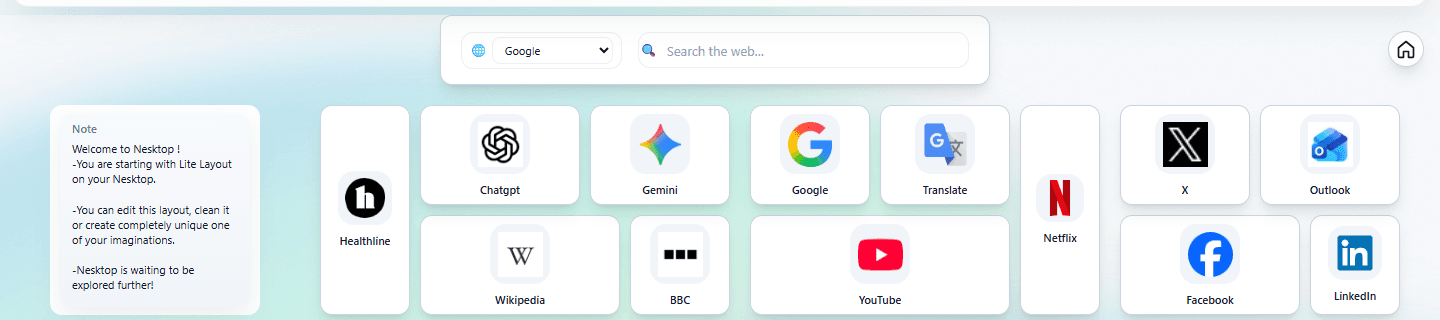
Publish a read-only personal page or organization resource hub for selected links and tools without exposing private editing controls.
See sharing features →Guest layouts stay in the browser. Account data is sent only to provide signed-in features and synchronization. Team membership requires an invitation decision, while public pages use sanitized read-only snapshots.
Try guest mode without an account, create a free account to sync, or compare paid personal and business options when you need additional sharing and team capabilities.