
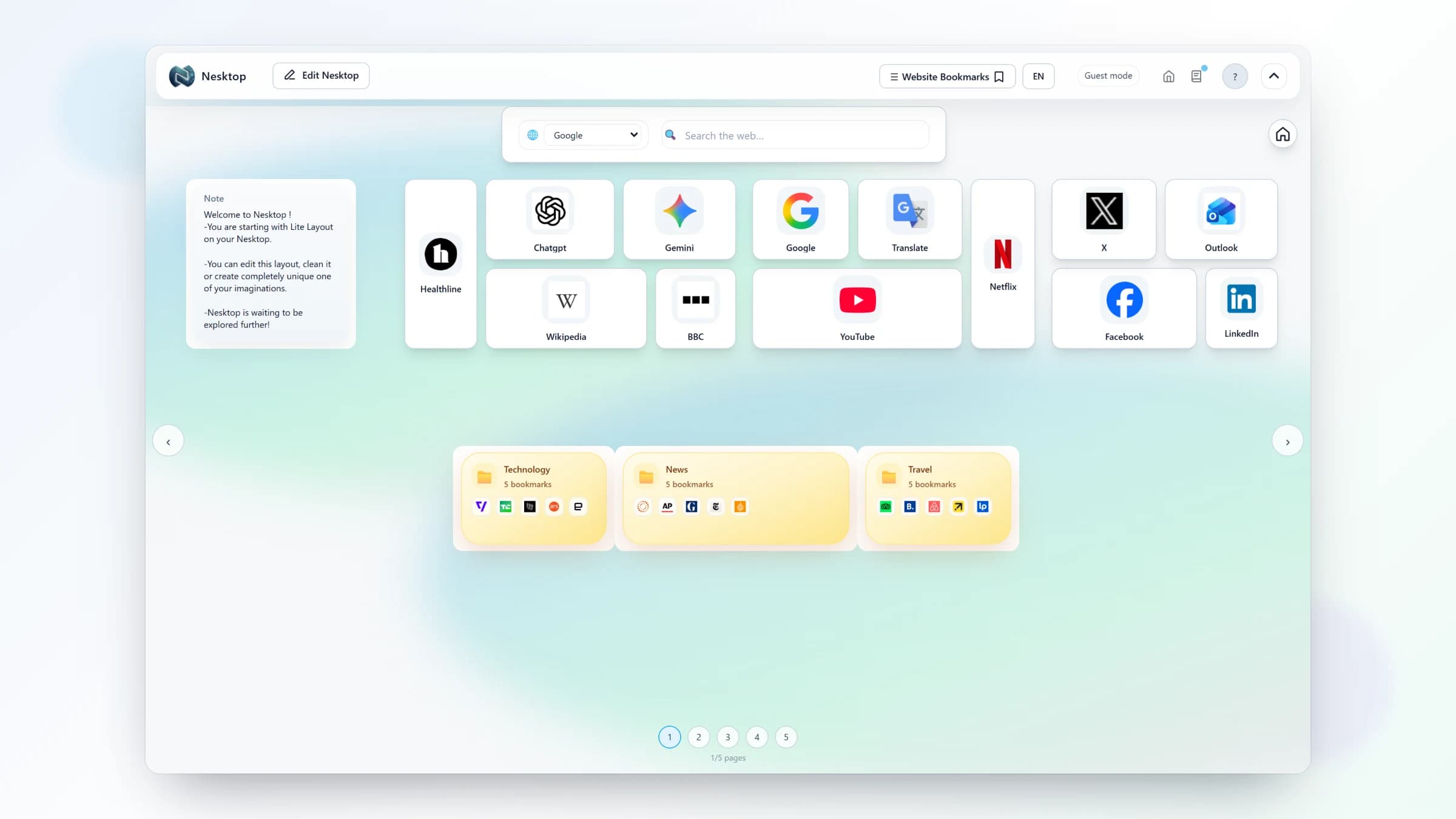
A visual desktop for your everyday bookmarks, search, and tools
How to use NESKTOP as a daily launch surface while keeping your browser bookmarks as a deeper archive.
A launch surface, not a replacement archive
Browser bookmarks are useful storage for links you may need later. NESKTOP is the surface you open at the start of a work session: a small, visible set of links you act on repeatedly. Put today's dashboards, inboxes, calendars, and reference tools where one click reaches them; leave the long tail in your browser archive.
Put your bookmarks on a visual desktop
Start free, then upgrade when you need more pages, saved layouts, and widgets.
Try it freeBuild a daily launch sequence
Start with the destinations that support one routine — for example, email, calendar, a project board, and a research source. Place those links where your eye naturally lands and remove anything that does not earn a place. If the routine needs quick lookups, add a search widget or a note beside the launch links without turning the page into a full tool catalog. The goal is a short launch sequence, not a second copy of your entire bookmark library.
Keep the page useful with a quick review
At the end of each week, open the page and ask what you actually used. Keep active links visible, move occasional references back to the browser archive, and add only the next tool you expect to use. This lightweight review keeps the start page current without turning it into another archive to maintain.
Comparison table
| Feature | Nesktop | Other approach |
|---|---|---|
| Primary job | Daily launch surface for active links | Browser bookmarks: long-term archive |
| Daily access | A visible launch sequence on one page | Folder or menu navigation |
| Maintenance | Review weekly and keep the active set focused | Keep the long tail until you need it |
FAQ
What belongs on a daily launch page?
Start with the links you use at the beginning of a normal session — email, calendar, project tools, and frequently checked sites. Keep occasional references in your browser archive so the page stays focused.
How do I keep the page from getting cluttered?
Review it weekly. Keep links you used, move inactive references back to the browser archive, and remove items that no longer support your routine.
Related articles
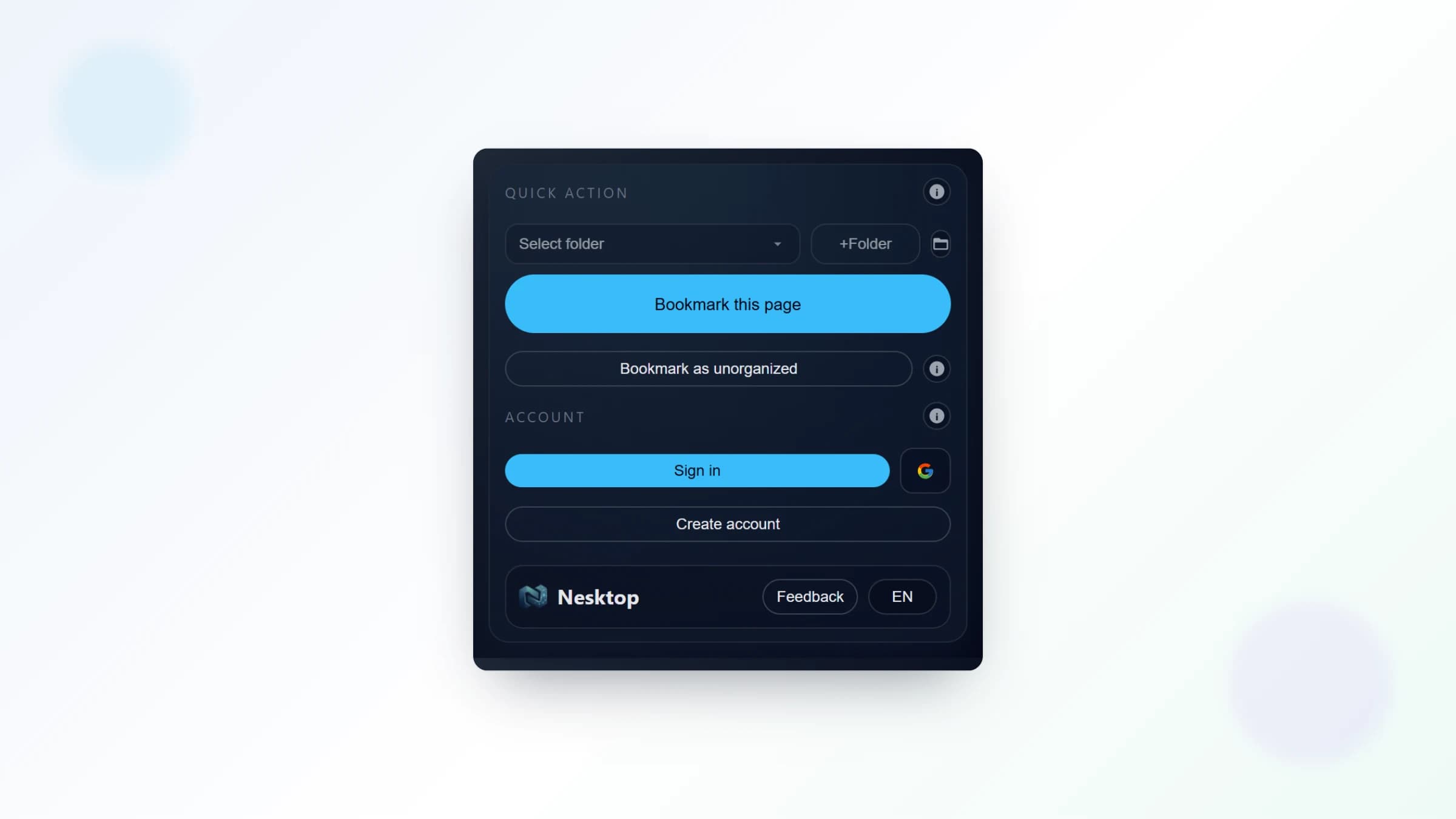
The NESKTOP browser extension: save any page and make NESKTOP your new tab or start page
4 min read
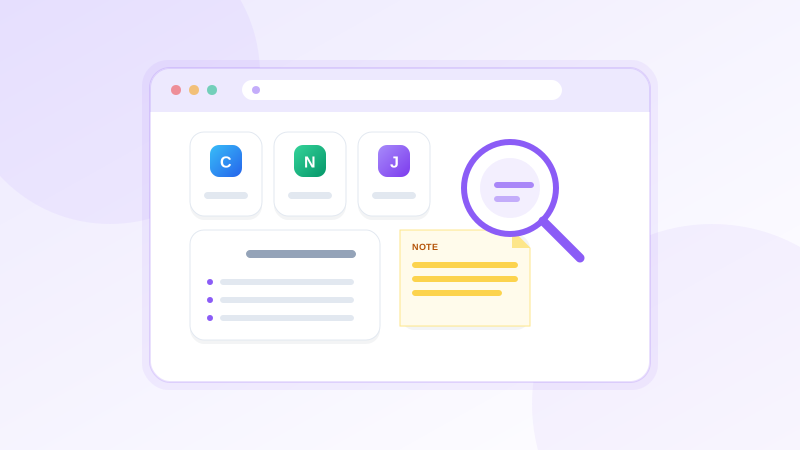
Start pages and bookmark managers: how they work together with NESKTOP
2 min read
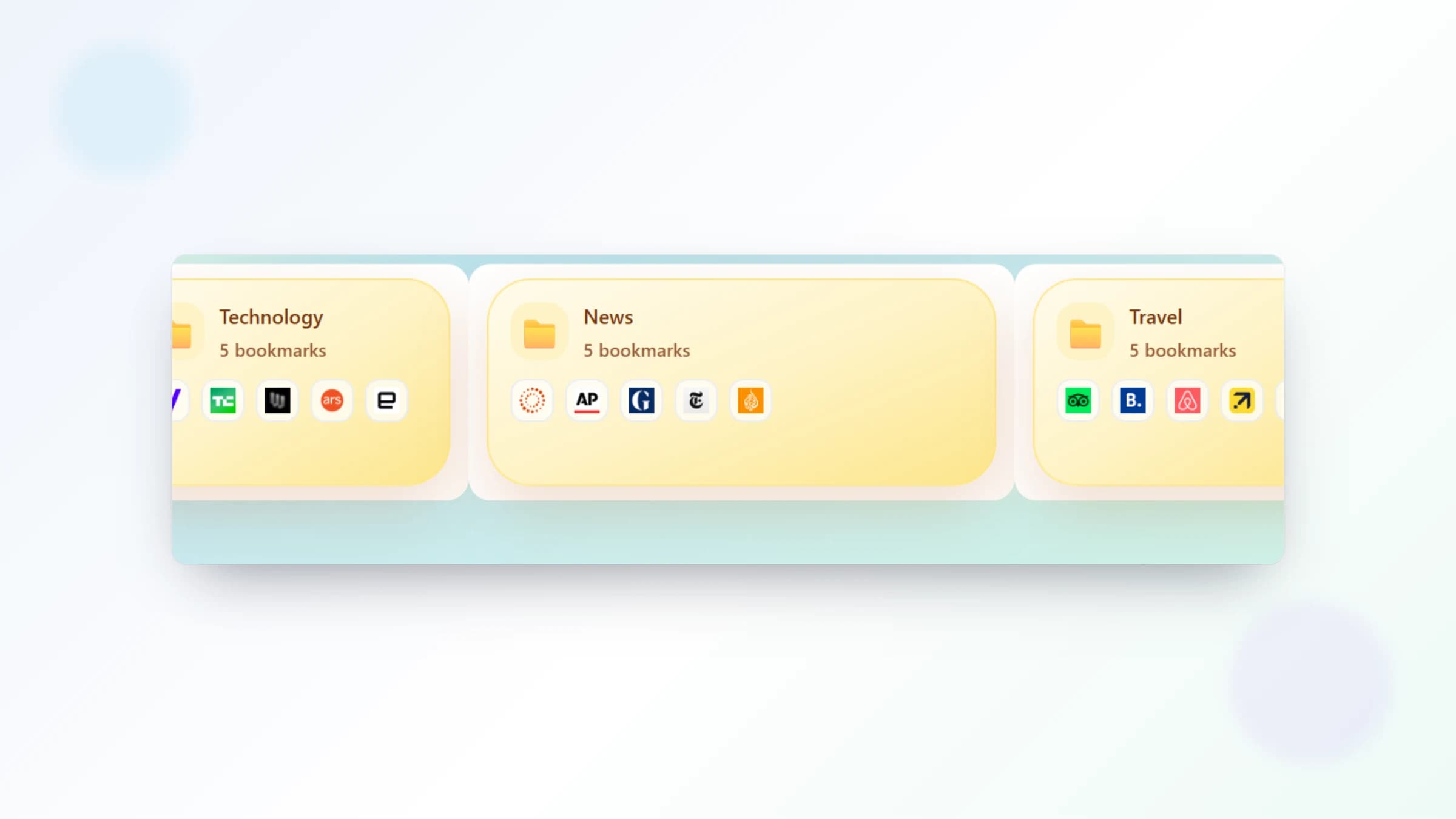
Organizing bookmarks visually: how folders, pages, and widgets work together in NESKTOP
3 min read
Put your bookmarks on a visual desktop
Start free, then upgrade when you need more pages, saved layouts, and widgets.
Continue