NESKTOP platform direction: browser workspace, teams, and widgets
A practical overview of NESKTOP capabilities across personal workspaces, team layouts, public organization pages, and platform extensions.
Available now: your visual web desktop
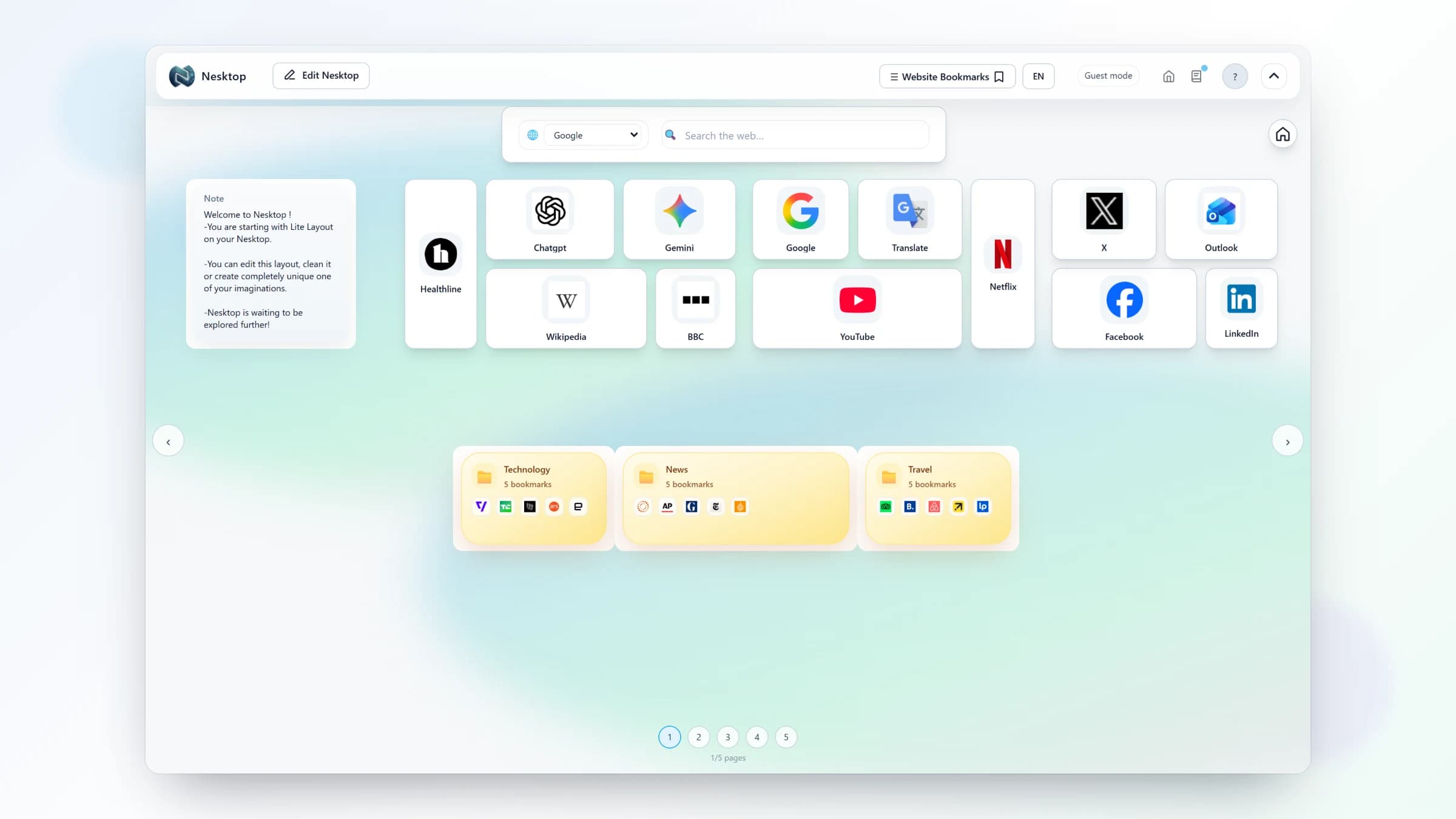
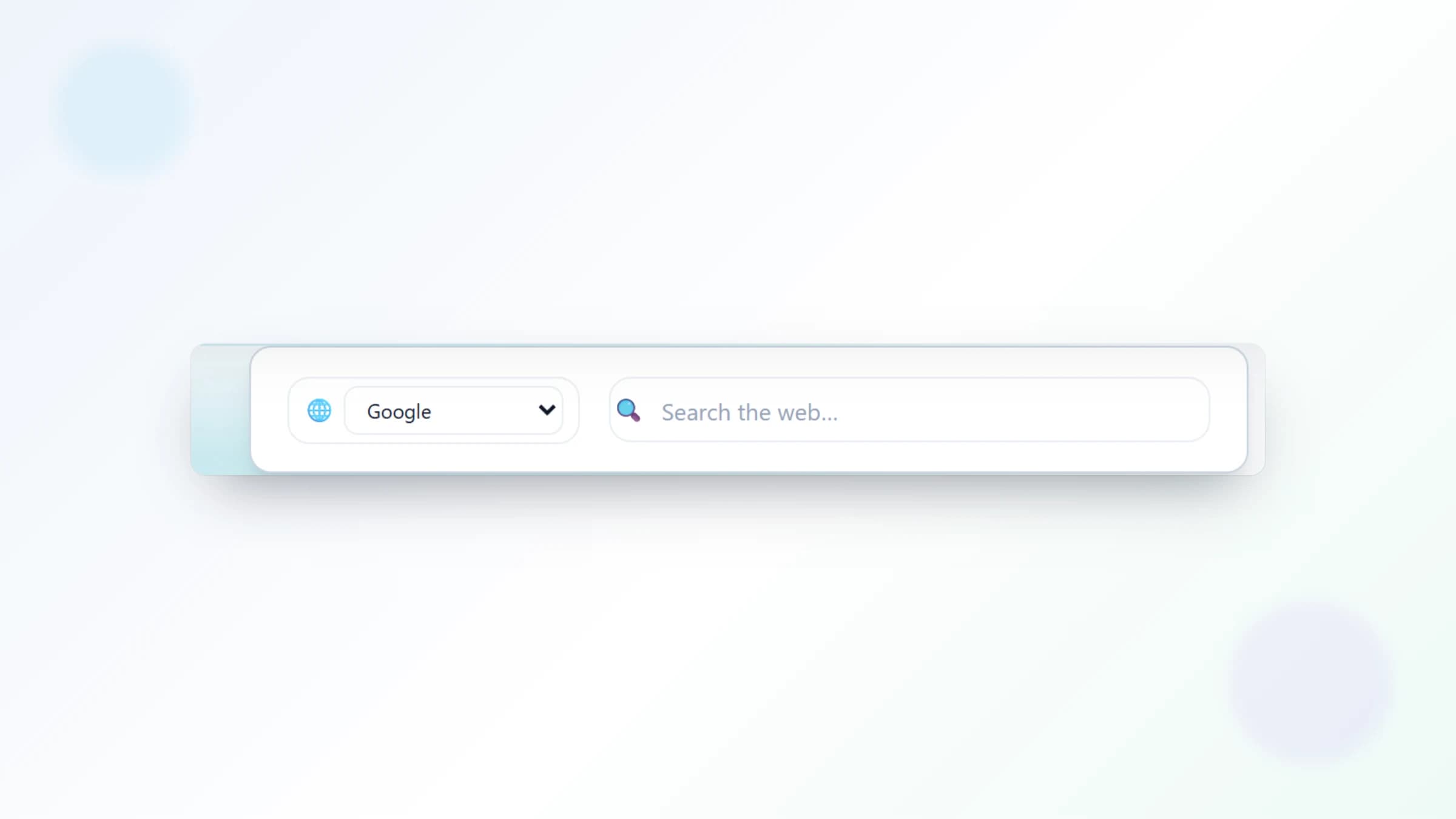
NESKTOP gives you a full visual canvas with bookmarks, folders, search widgets, notes, popular websites, editor recommendations, presets, saved layouts, layout sharing, multiple pages, desktop and mobile canvases, dark mode, customization, and browser workspace surfaces.
Start with what NESKTOP does today
Create your workspace or open Teams to build an organization hub.
Try it freeTeam workspaces
Organization owners can invite members, manage roles, publish managed team layouts, publish starter layouts, assign layouts to members or roles, and expose public organization workspaces at /o/company-name.
Public organization resource hubs
Companies, schools, clubs, agencies, and nonprofits can publish sanitized public workspaces for official links, docs, support pages, forms, announcements, and social channels without exposing private account layouts.
Workspace extensibility
The same canvas model supports richer widgets and connected resources while keeping the core workflow simple: arrange the tools, links, notes, and pages that people need to start work quickly.
FAQ
How do teams use NESKTOP?
Create an organization, invite members, publish managed or starter layouts, assign those layouts to people or roles, and optionally publish a public workspace.
How do public organization pages work?
An admin publishes a sanitized snapshot at /o/company-name. Visitors see only approved public links, folders, notes, and widgets.
Related articles
Start with what NESKTOP does today
Create your workspace or open Teams to build an organization hub.
Continue