
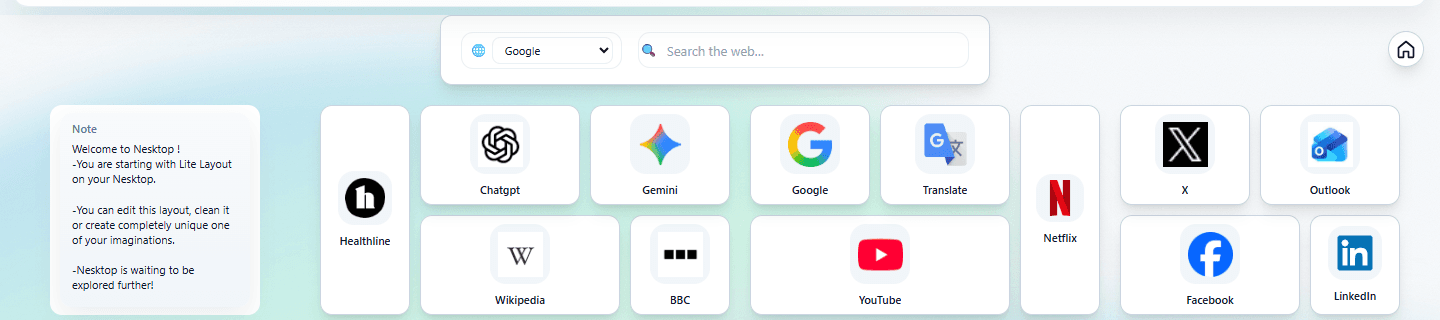
NESKTOP for small teams: shared layouts for onboarding and consistency
How small teams can use NESKTOP organizations and team layouts to give every member the same organized starting point.
Onboard new hires faster
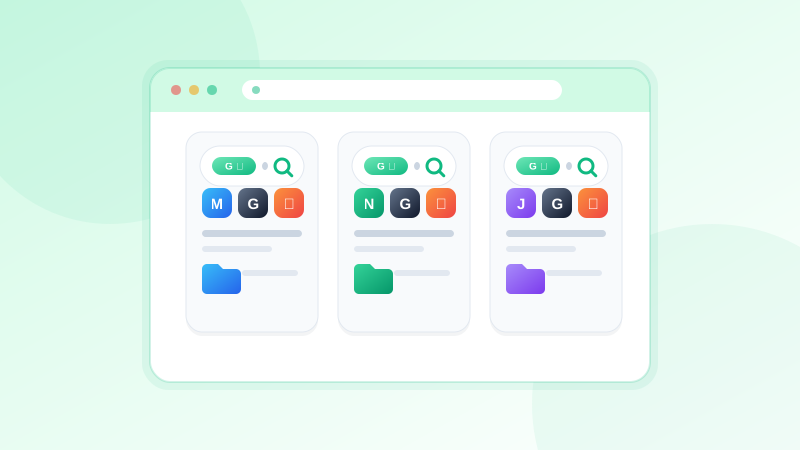
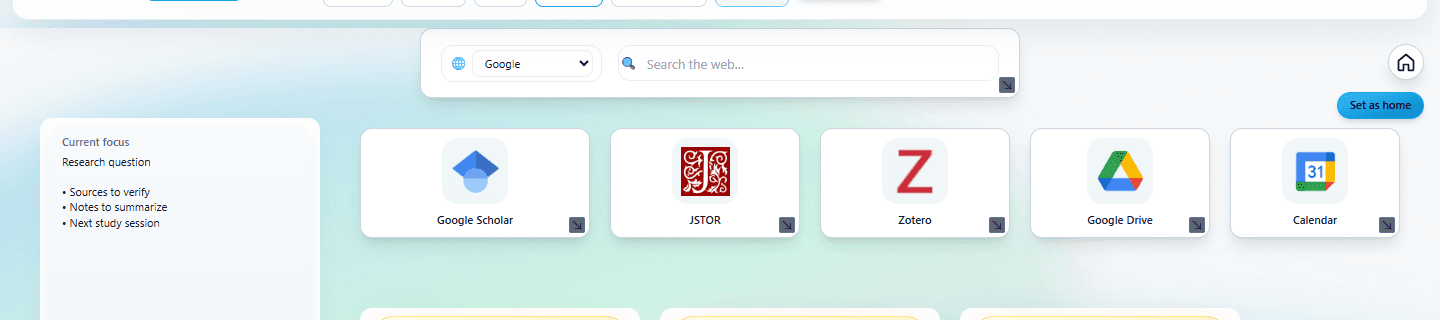
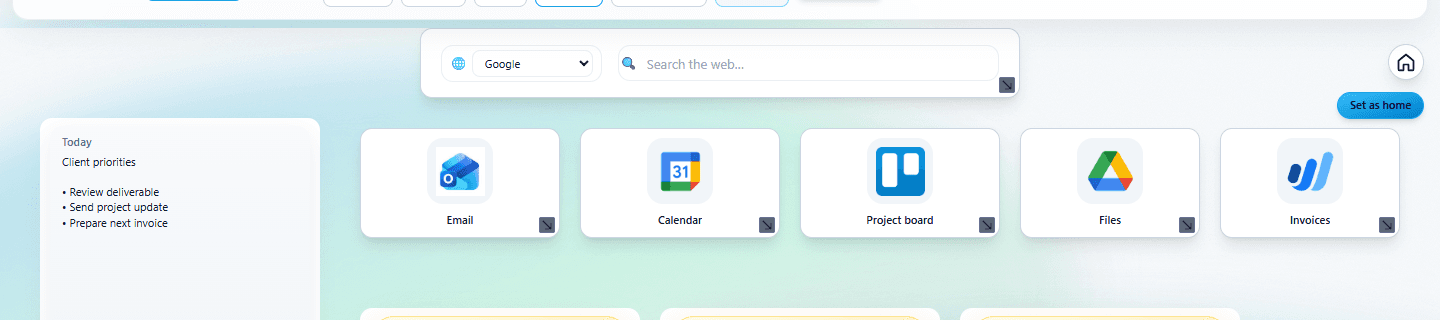
Instead of sending a new hire a list of 20 links and hoping they bookmark everything, share your team's NESKTOP layout. They import it, and every tool is already arranged, labeled, and grouped. The first day of "where do I find..." becomes "everything is on my desktop."
Centralized team management
Centralized team management is rolling out in early access: a team owner can manage member access, publish organization layouts, assign layouts to members or roles, and expose selected public workspaces for customers or partners. Until it is generally available, teams can already use NESKTOP layout sharing to give everyone the same organized starting point.
FAQ
Can I update a team layout after sharing it?
In the early-access organization features, use a managed organization layout when members should follow company updates, or a starter layout when members should receive an editable copy. With a regular share link, recipients import the version you shared and keep their own copy.
Is there a team pricing plan?
Team organization features are currently in early access — ask the NESKTOP team about a guided pilot. Until they roll out more broadly, you can share a team layout with anyone through a regular NESKTOP share link.
Related articles
Give your team the same starting point
Design a team layout, share it, and get every member organized in minutes.
Continue