
NESKTOP for students: building a study desktop that lasts all semester
How to use the Study & Research preset, subject folders, note widgets, and search to create an academic workspace that keeps every course organized.
Apply the Study & Research preset to get started fast
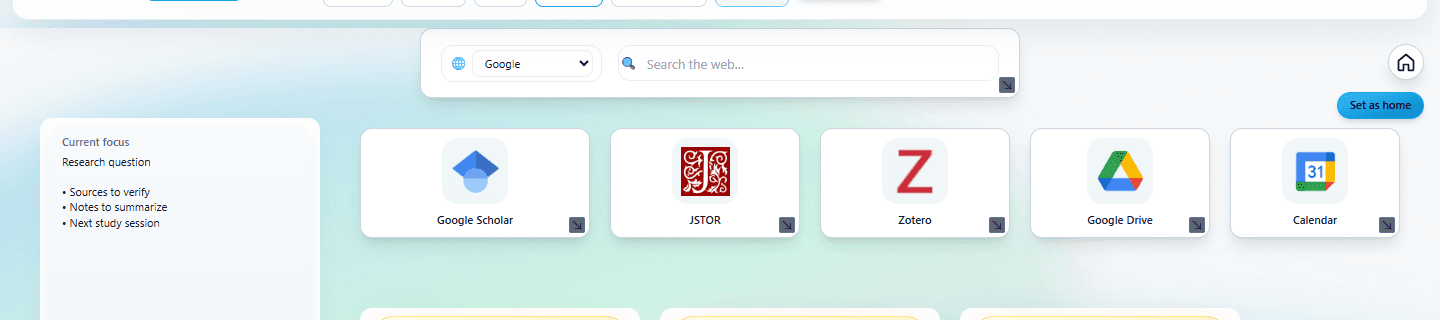
Open the Layouts menu and select Study & Research. The preset populates your canvas with subject folders, a note widget, and a search bar — everything a student needs to organize their academic life. Each subject gets its own folder for course portals, research links, and reference materials. Keep a note widget beside the folders for quick thoughts, deadlines, and study reminders.
Organize your semester on one desktop
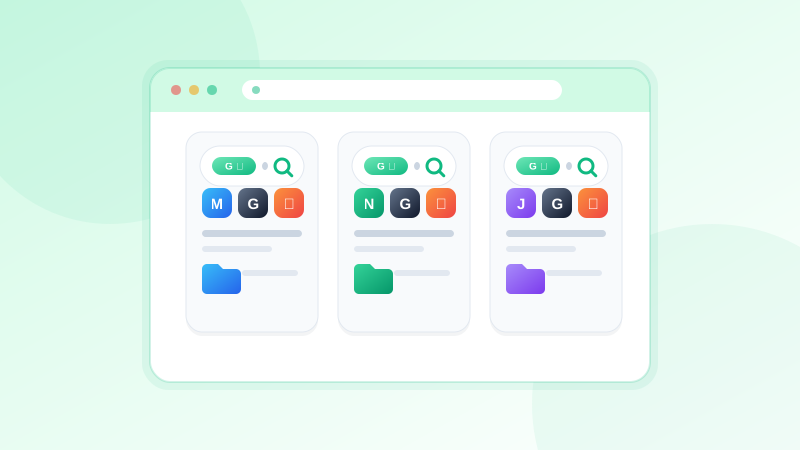
Apply the Study & Research preset and give every subject its own page.
Try it freeOne page per subject — keep everything separated
Create a separate NESKTOP page for each subject or course. On your Biology page, place the course portal link, textbook resources, lab manuals, research papers, and search widgets set to the provider you use for web research. On your History page, organize primary sources, lecture recordings, essay drafts, and citation tools. Switching pages is one click — your entire focus shifts with the context.
Keep research sources findable with folders and notes
Create folders for different types of sources — journal articles, books, websites, videos. Add note widgets beside them with brief summaries, key quotes, and your own analysis. When it is time to write a paper or study for an exam, everything is already organized. No more hunting through browser history or scattered bookmarks to find that one source you read three weeks ago.
Set up a daily study routine page
Create a dedicated Daily page with a search widget, your most-used course portals, a note widget for today's to-do list, and the Popular Websites widget to surface resources you have been using frequently. Set this as your new tab page via the NESKTOP extension, and your study session starts the moment you open your browser.
FAQ
Can I share my study desktop with classmates?
Yes. Design a study layout with subject folders and useful resources, then generate a share link. Classmates can import it into their own NESKTOP account and customize it for their own needs.
Does NESKTOP work on a school computer?
NESKTOP is a web app — no installation required beyond a modern browser. If you cannot install the extension on a school computer, you can still access your full desktop at nesktop.com.
Related articles
Organize your semester on one desktop
Apply the Study & Research preset and give every subject its own page.
Continue