
NESKTOP for freelancers: one desktop per client, all your tools in one place
How freelancers and independent professionals can use NESKTOP to separate client projects, organize tools, save reusable layouts, and share workspaces.
One page per client — never mix tools again
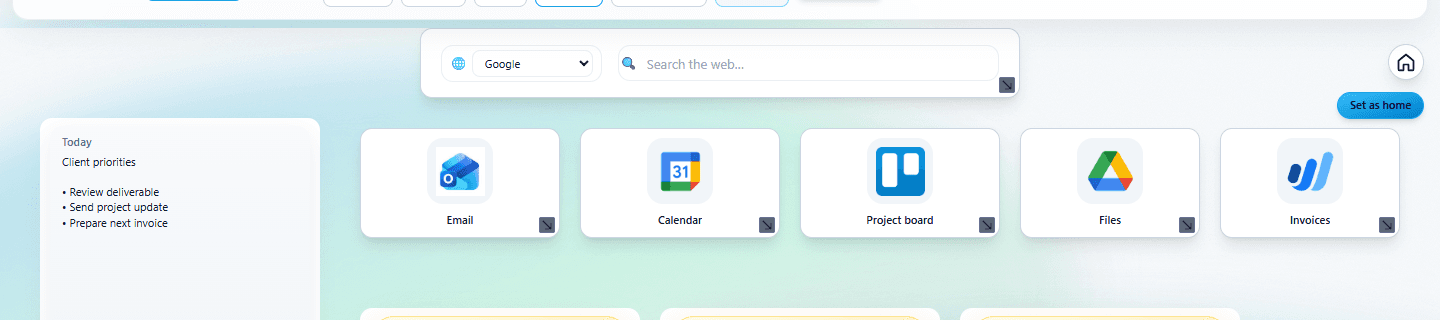
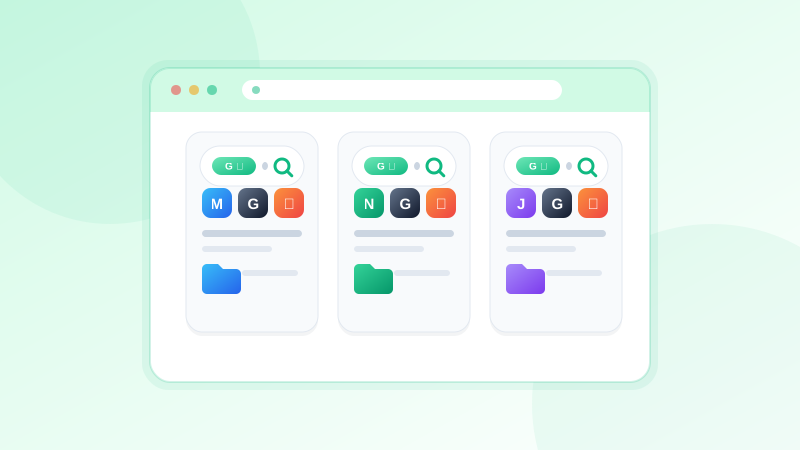
Create a dedicated NESKTOP page for each client. On Client A's page, place their project board, shared drive, invoice portal, communication app, and contract documents. On Client B's page, their own set of tools. Switch between clients with one click in the page bar. Your tools stay separated, and you never open the wrong dashboard by mistake.
Give every client their own desktop
Apply the Project & Freelance preset and create a dedicated page for each client today.
Try it freeApply the Project & Freelance preset
The Project & Freelance preset gives you a professional layout with project folders, tool sections, a note, and search. Apply it once, customize it for one client, then save the layout. For the next client, load the saved layout in a new page and swap out the client-specific links. Each new client setup takes minutes instead of building from scratch.
FAQ
How many client pages can I create?
The Free plan gives you 2 pages per canvas, and Pro gives you 10 — enough room to keep one page per client while you work through a project.
Can I back up my client layouts?
Yes. Save each client layout with a descriptive name. You can reload it anytime, and saved layouts persist even if you clear or change your current canvas.
Related articles
Give every client their own desktop
Apply the Project & Freelance preset and create a dedicated page for each client today.
Continue