Design a NESKTOP desktop for someone else — and share it in seconds
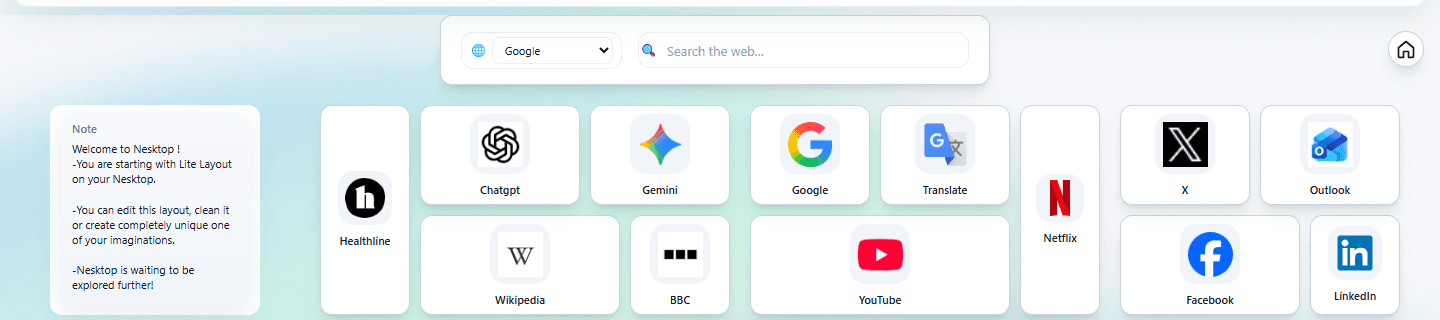
You can build a NESKTOP layout for a friend, family member, or colleague, generate a share link, and they can import it into their own account instantly.
How sharing works, step by step
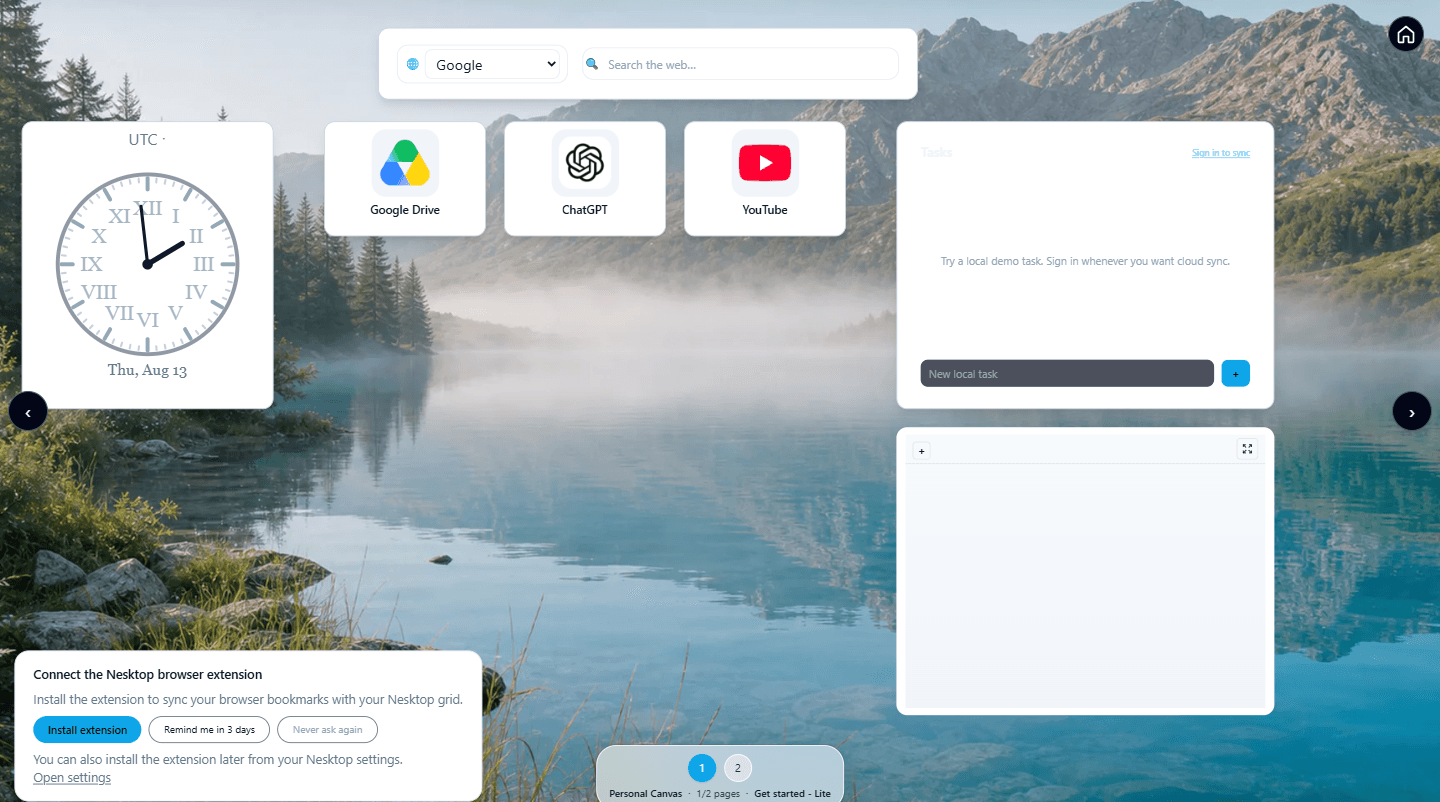
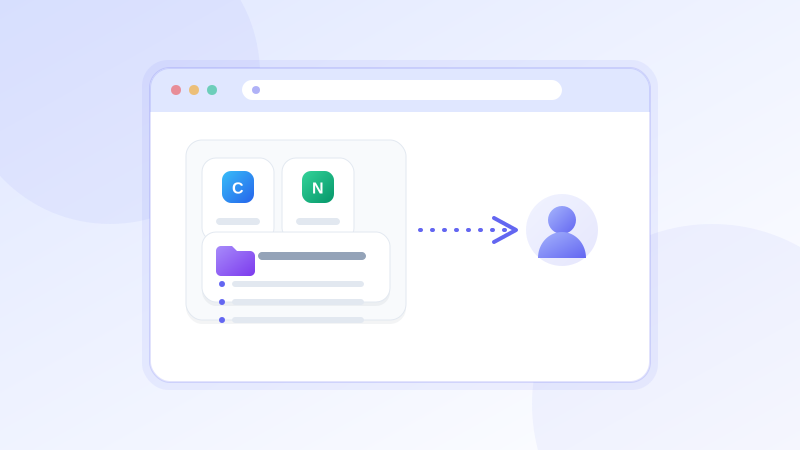
First, design your layout on the NESKTOP canvas — add widgets, arrange them, set colors, pick a background. Save it with a descriptive name. Click "Share…" to generate an expiring share link. Send the link however you prefer — email, message, or copy-paste. The recipient opens the link, sees a preview showing how many widgets and folders the layout contains, and clicks "Save to my layouts" or "Apply to a Personal Page". The layout appears on their canvas immediately. They can customize it from there — add their own links, change colors, or save it as their own.
FAQ
Does the recipient need a NESKTOP account?
Yes, but creating a free account takes seconds. They sign up, open the share link, and import — the whole process is under a minute.
Do shared layouts include my personal data?
Shared layout snapshots can include the bookmark links and titles and widget URLs that are part of the layout — so links you placed on the canvas are part of what the recipient imports. Note and task contents and saved credentials are not included. Review the links in your layout before sharing it.
Related articles
Design a desktop for someone today
Build a layout, generate a share link, and help someone get organized in under a minute.
Continue