NESKTOP, Notion, Raindrop, and browser bookmarks — how they fit together
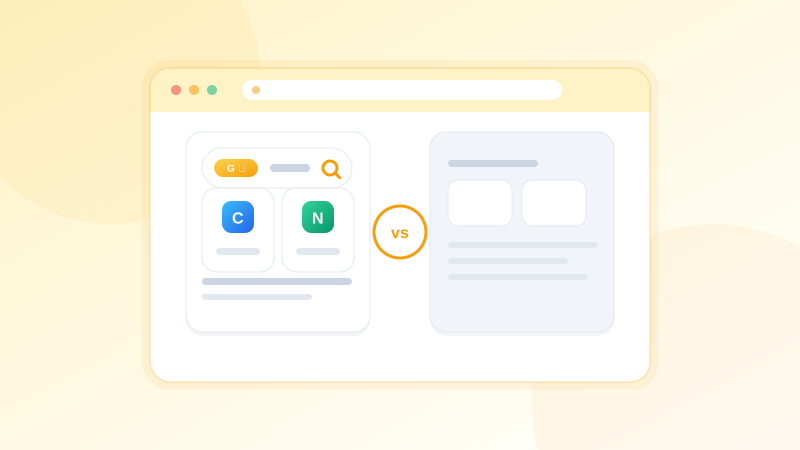
A practical guide to using NESKTOP alongside Notion, Raindrop.io, and browser bookmarks — each tool has its strengths, and they work well together.
Notion is for documents and databases — NESKTOP is for launching your web tools
Notion excels at long-form documentation, knowledge bases, and structured databases. NESKTOP excels at giving you one-click access to your daily web tools — project dashboards, analytics, communication apps, and cloud consoles. Many users keep their documentation in Notion and place their most-used Notion pages directly on their NESKTOP desktop so everything is reachable from one visual canvas.
Add a visual desktop to your toolkit
NESKTOP works alongside the tools you already use. Start free and build your first page.
Try it freeRaindrop.io is for bookmark collection — NESKTOP is for daily visual workflow
Raindrop is excellent at collecting, tagging, and searching large bookmark libraries — it is built for depth. NESKTOP is built for daily action: arrange your most-used links as visual tiles, group them in folders, add search bars and notes, and save the whole arrangement as a reusable layout. Use Raindrop for your archive and NESKTOP for the links you reach for every day.
Browser bookmarks are your storage layer — NESKTOP is your working surface
Browser bookmarks are reliable, built-in, and sync across devices. They are a great storage layer. NESKTOP adds a visual working surface on top: icons you can see at a glance, folders you can drag and drop, multiple pages for different contexts, and a browser extension that makes saving and syncing seamless. Both tools together give you the best of both worlds.
Comparison table
| Feature | Nesktop | Other approach |
|---|---|---|
| Documentation | Note widgets for quick context | Notion: excellent for long-form docs |
| Bookmark depth | Visual folders for active links | Raindrop: excellent for tagged archives |
| Visual daily workspace | Primary strength — full canvas with widgets, pages, and presets | Not primary focus of other tools |
| Layout sharing | Share full desktop layouts with anyone | Raindrop shares collections and Notion shares pages — not full visual layouts |
FAQ
Can I use NESKTOP with Notion?
Absolutely. Keep your documentation in Notion and add your key Notion pages to your NESKTOP desktop for one-click access. They complement each other well.
Should I switch from Raindrop to NESKTOP?
You do not need to choose. Raindrop is great for bookmark archives and tagging. NESKTOP is great for a visual daily workspace. Many people use both — Raindrop for the library, NESKTOP for the desktop.
Related articles
Add a visual desktop to your toolkit
NESKTOP works alongside the tools you already use. Start free and build your first page.
Continue